Main Features
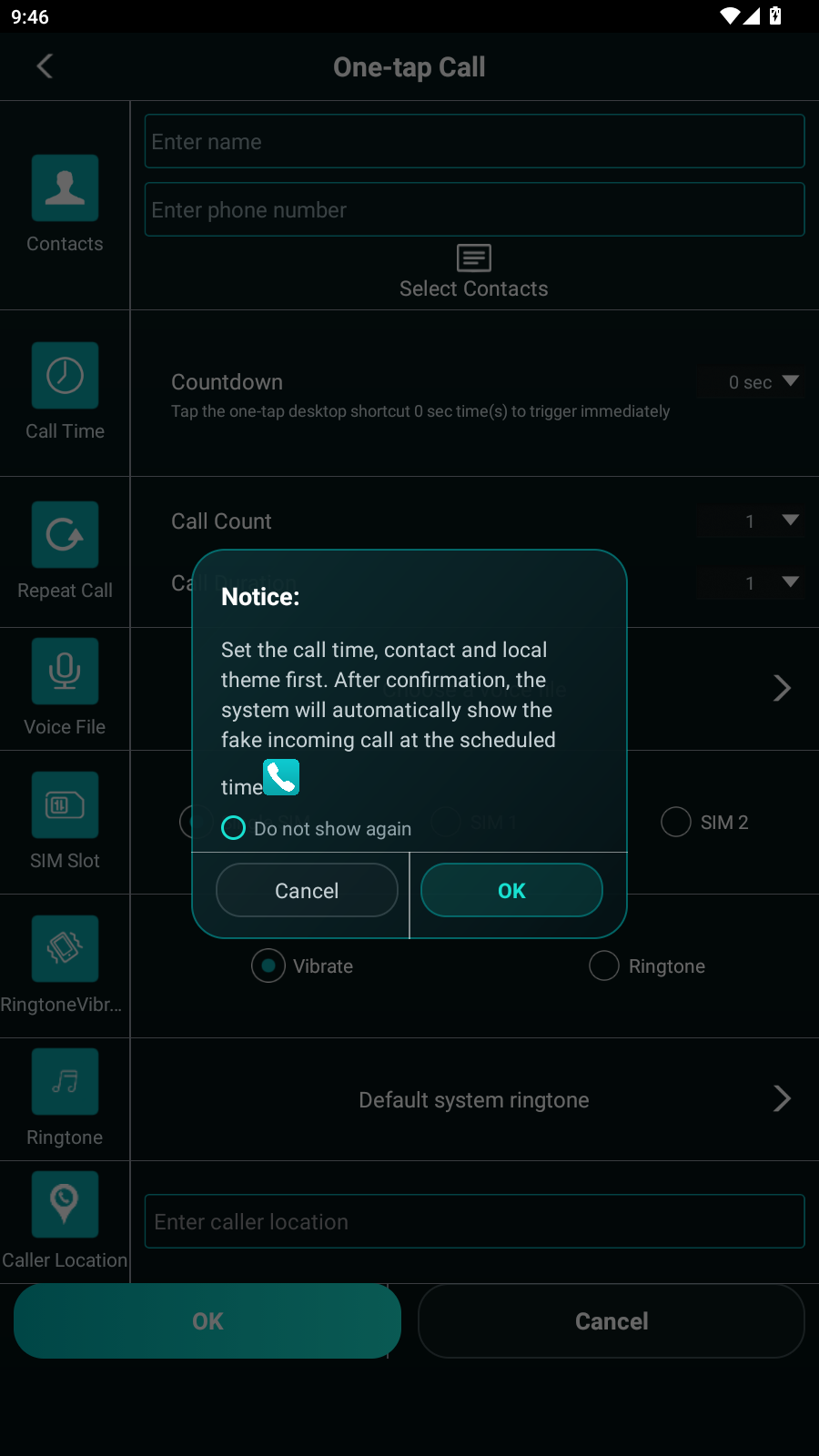
One-tap CallSet caller name, phone number, countdown, repeat count, SIM slot, ringtone, vibration and caller location.
Fake SMSCreate SMS simulation entries with contact, content, time, receive/send direction, vibration and ringtone.
Call RecordsCreate incoming and outgoing call-record simulations with answered, missed and rejected states.
Call ThemesUse brand-style incoming-call screens such as Huawei, Xiaomi, OPPO, vivo and Samsung.
Permission GuideBuilt-in guidance for overlay, lock screen, background launch and battery optimization settings.
Local MediaSelect local ringtone, voice file or cover file when the Android permission model allows it.
Product Screens
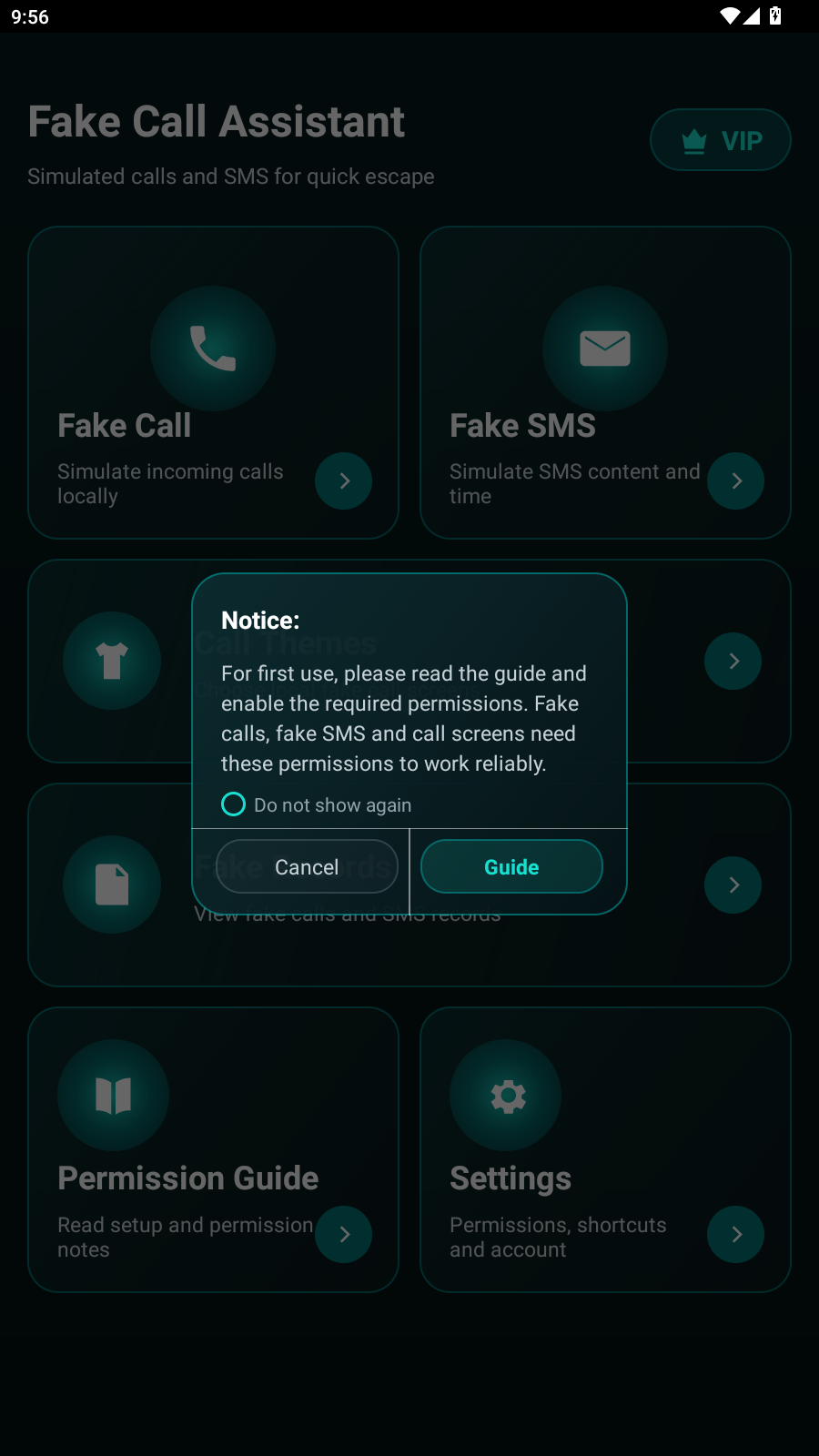 Home
Home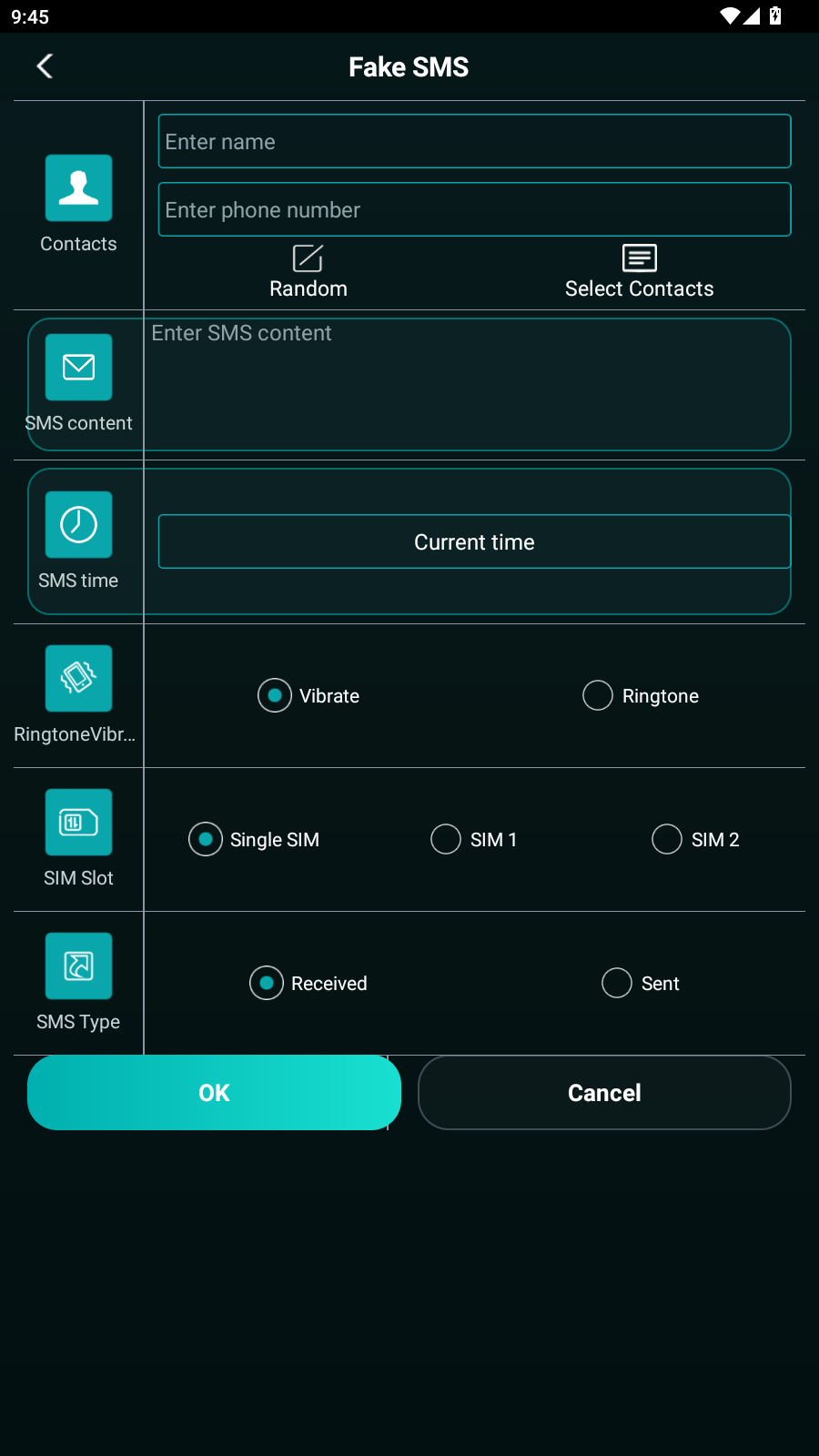 Fake SMS
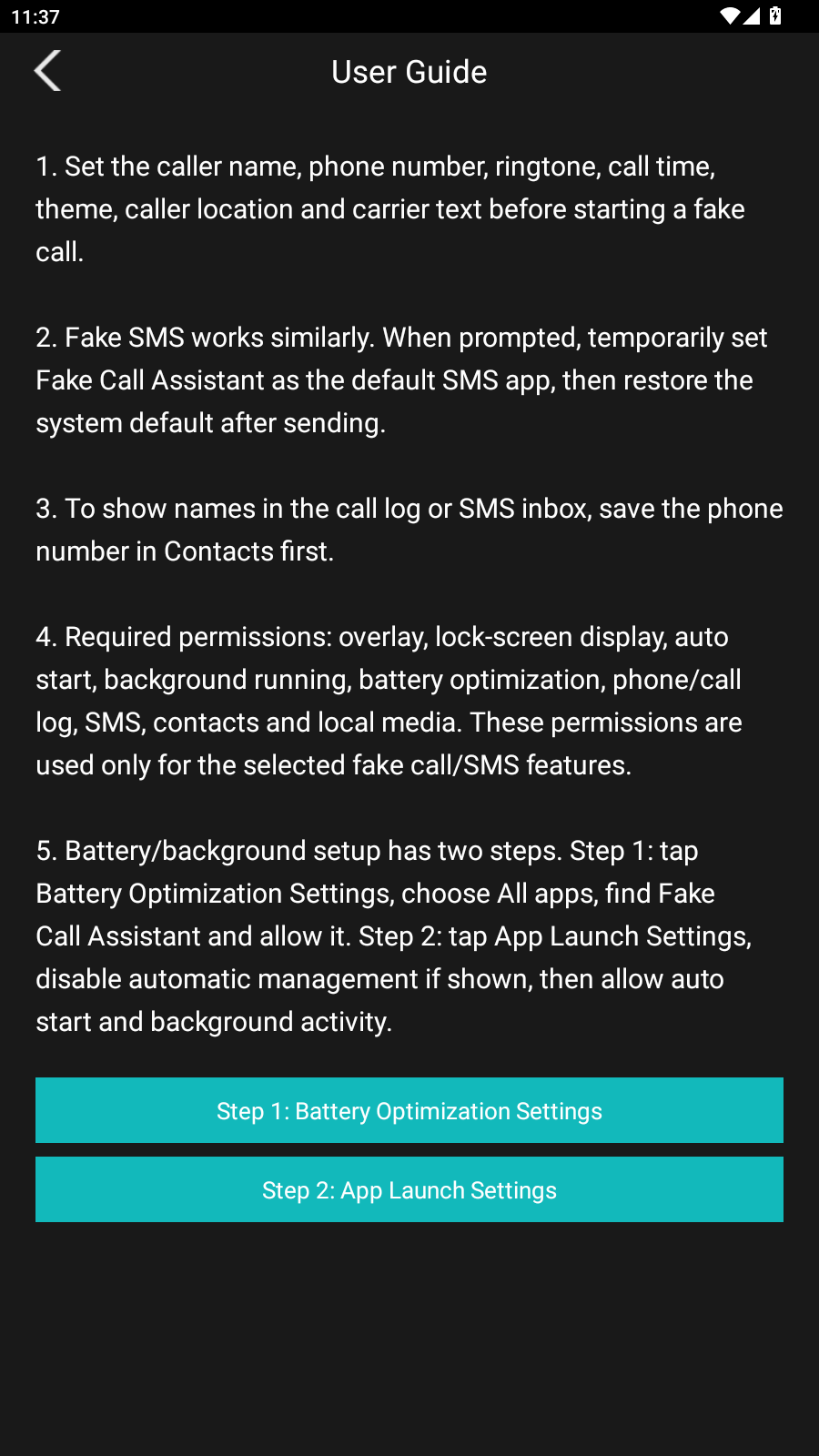 User Guide
Install Steps
1Download
Tap the APK download button and save the file on your Android phone.
2Install
Allow installation from your browser or file manager if Android asks.
3Configure
Set caller name, number, ringtone, theme, time, SMS or call-record options.
4Enable
Follow the permission guide so scheduled simulations can trigger reliably.
Version Info
Build
USA English APK
File name
usa.apk
File size
27.73 MB
System
Android 8.0 and above
SHA256
E648AEF04C39E3AE91D940E48531BF9CE4A64978098D52329B15957C57C5D072
Permission Notes
- Overlay and lock-screen display are used for simulated incoming-call screens.
- Battery and app-launch settings help scheduled simulations run in the background.
- Contacts, SMS, call log and media permissions are used only by the related selected features.
Disclaimer
This app is intended for personal safety, demos, privacy protection, reminders and entertainment. Do not use it for harmful, illegal, fraudulent or abusive activity.